TicketSearch CyberSource Integration Guide
- You may be asked what TicketSearch’s CyberSource integration is while enabling settings within CyberSource. The TicketSearch system uses ‘Flex Microform 11’.
- Your CyberSource account needs to have ‘Token Management Services’ turned ‘ON’ before this implementation will work. Contact CyberSource Support to turn on configuration in your CyberSource merchant account. It should be 22 digits (tokens).
- Please enable ‘Relaxed_AVS’ in your CyberSource account. CyberSource Support may have to assist you. This will allow order creation without customer information (name, address etc).
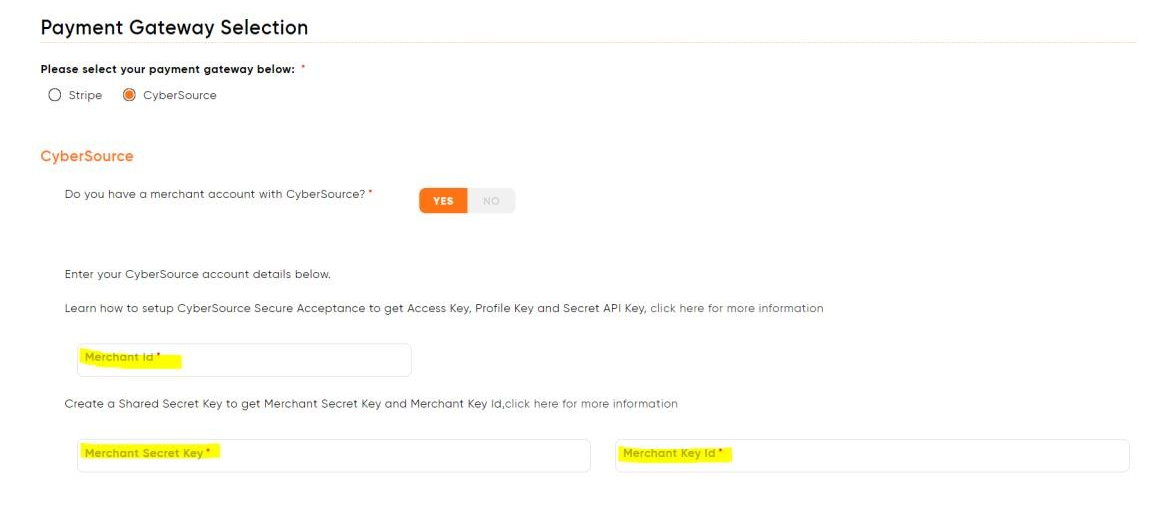
- TicketSearch needs a ‘Shared Secret Key’, which is found in your CyberSource account. You may need to create a new key if you do not see these details. You will need the ‘Merchant Key ID’ and the ‘Merchant Secret Key’ from that shared secret
a. Use this URL to generate a key
b. Examples of what your Keys will look like
-
- MerchantKeyID: ced63e97-f3f7-4003-9fee-e53c9925c391
- MerchantSecretKey: FwrzL3oa8da6TwZFON71Vlnrz0LsdXcJIntrWi39iQU=
- Once generated, you will need to input the Keys into your TicketSearch
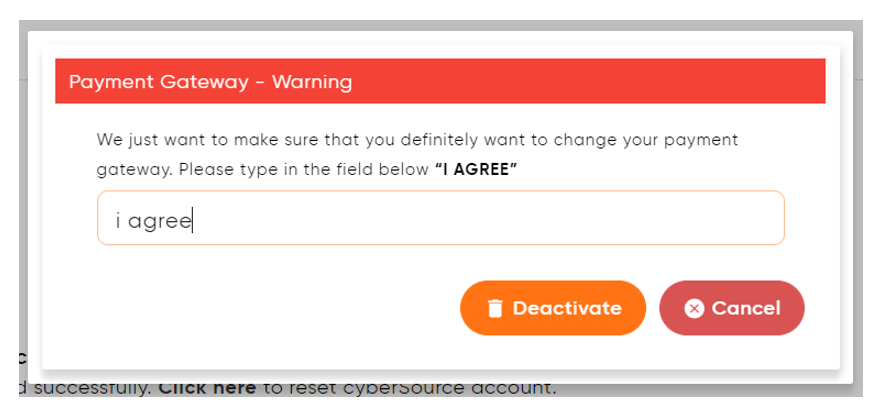
a. Go to Finance Setup and click the ‘Click here’ link below CyberSource to reset
account

b. You will get a pop-up to confirm the reset process
c. Now you can ‘Submit’ the page. From Finance Setup, click ‘CyberSource’ and enter your details. *(Be careful not to enter a ‘space’ at the end of your Keys)
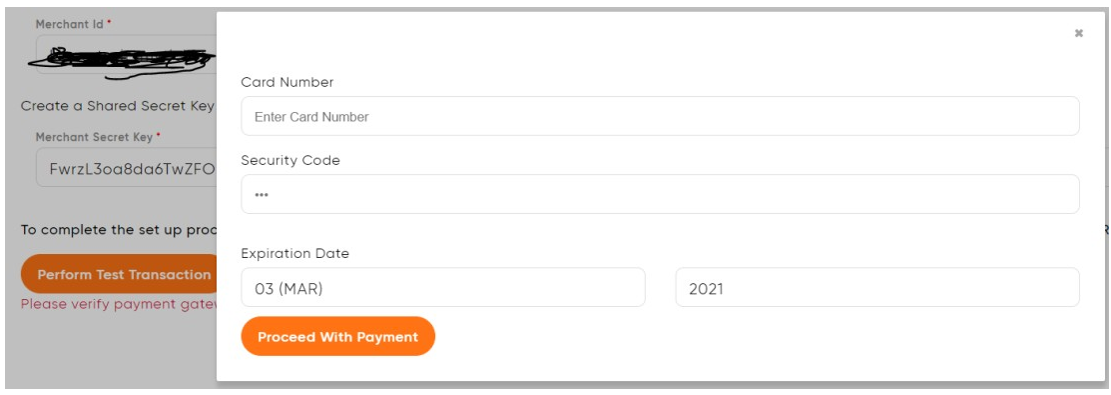
d. After entering your details, click the ‘Perform Test Transaction’ button. You will receive a pop-up to enter card details for a test transaction. Once the transaction is successful, click the ‘Go Live’
Comments
0 comments
Please sign in to leave a comment.